📌 Pinterest Integration Guide
🔹 Why is This Important?
Connecting Pinterest with Affiliate Solution lets you auto-post your deal content to your Pinterest boards. This helps in:
✅ Automating Pinterest posting 🚀
✅ Saving time by removing manual uploads ⏳
✅ Growing reach with consistent pinning 📈
By following this guide, you can connect your Pinterest account, enable boards, and turn on bot posting in just a few minutes.
🔹 Steps to Connect Pinterest
🛠 Step 1: Open Pinterest Settings
- Log in to Affiliate Solution.
- Click "Social Media".
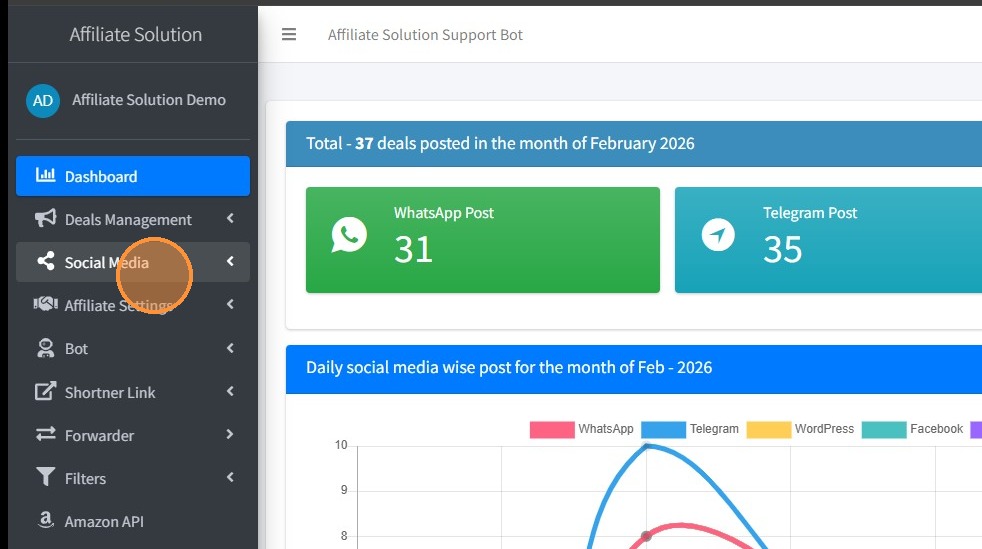
🔗 Step 2: Connect Pinterest
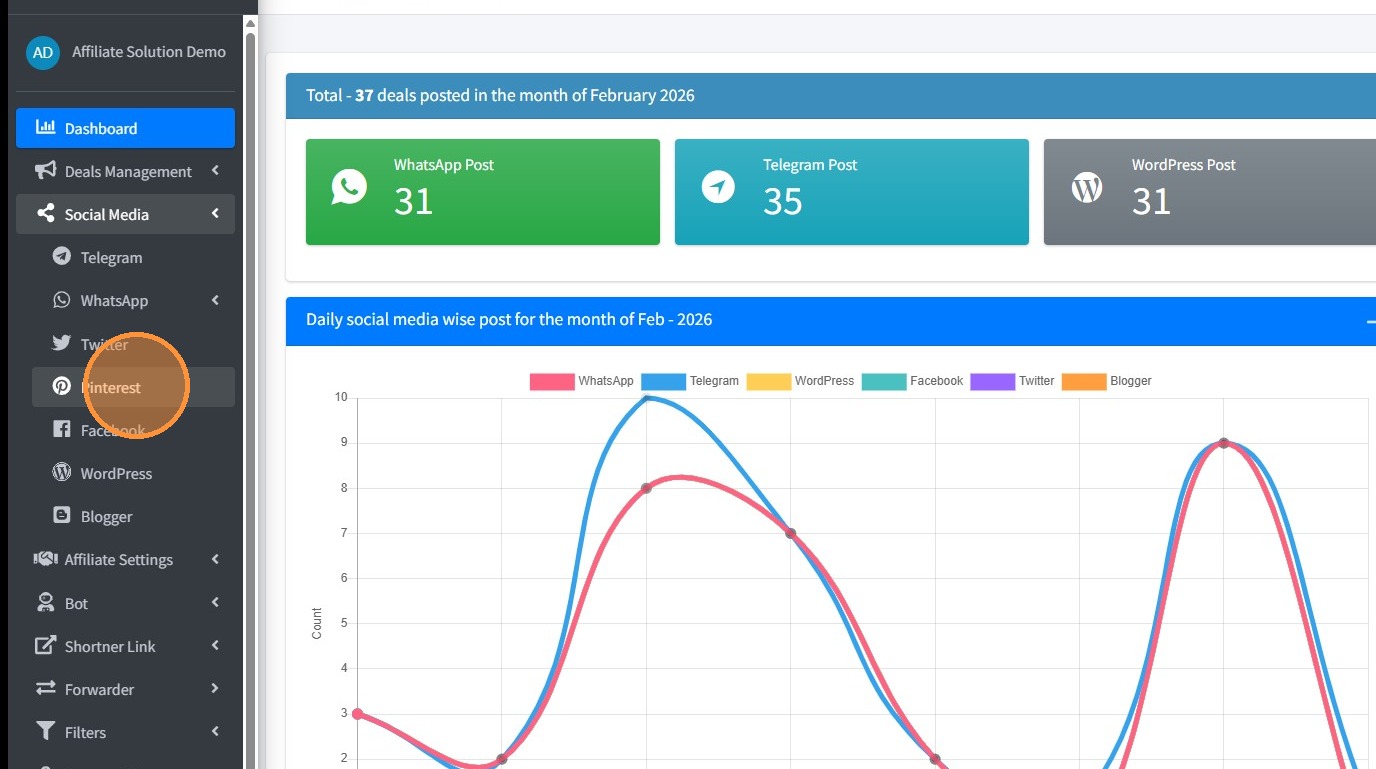
- Click "Pinterest".
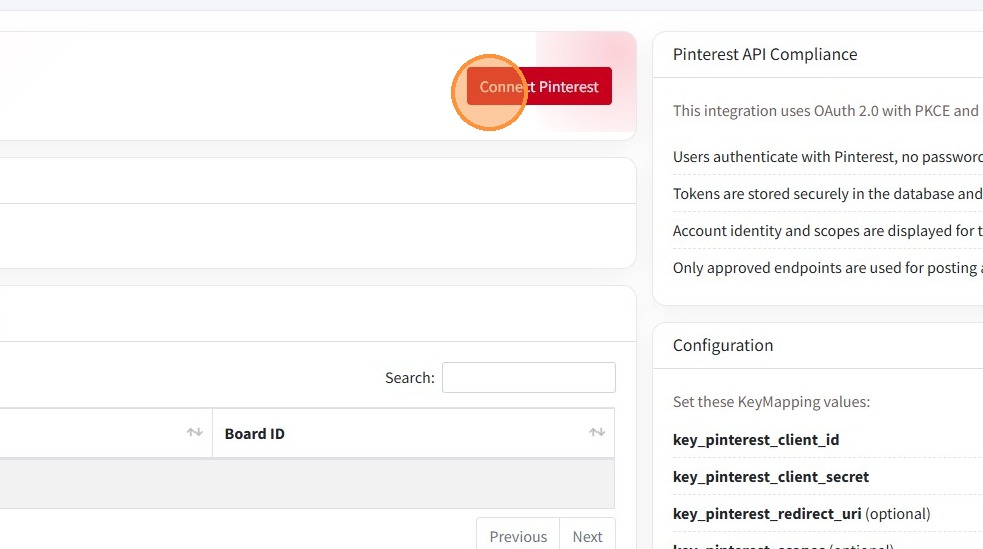
- Click "Connect Pinterest".
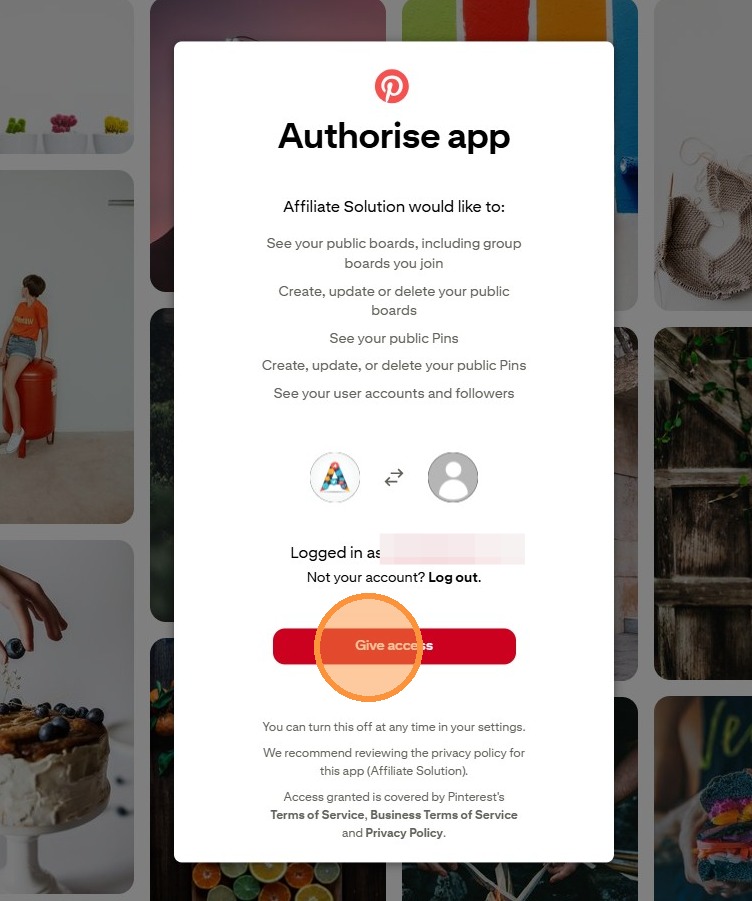
- Click "Give access" to authorize Pinterest.
- Once authorized, you will see Pinterest account has been authorized.
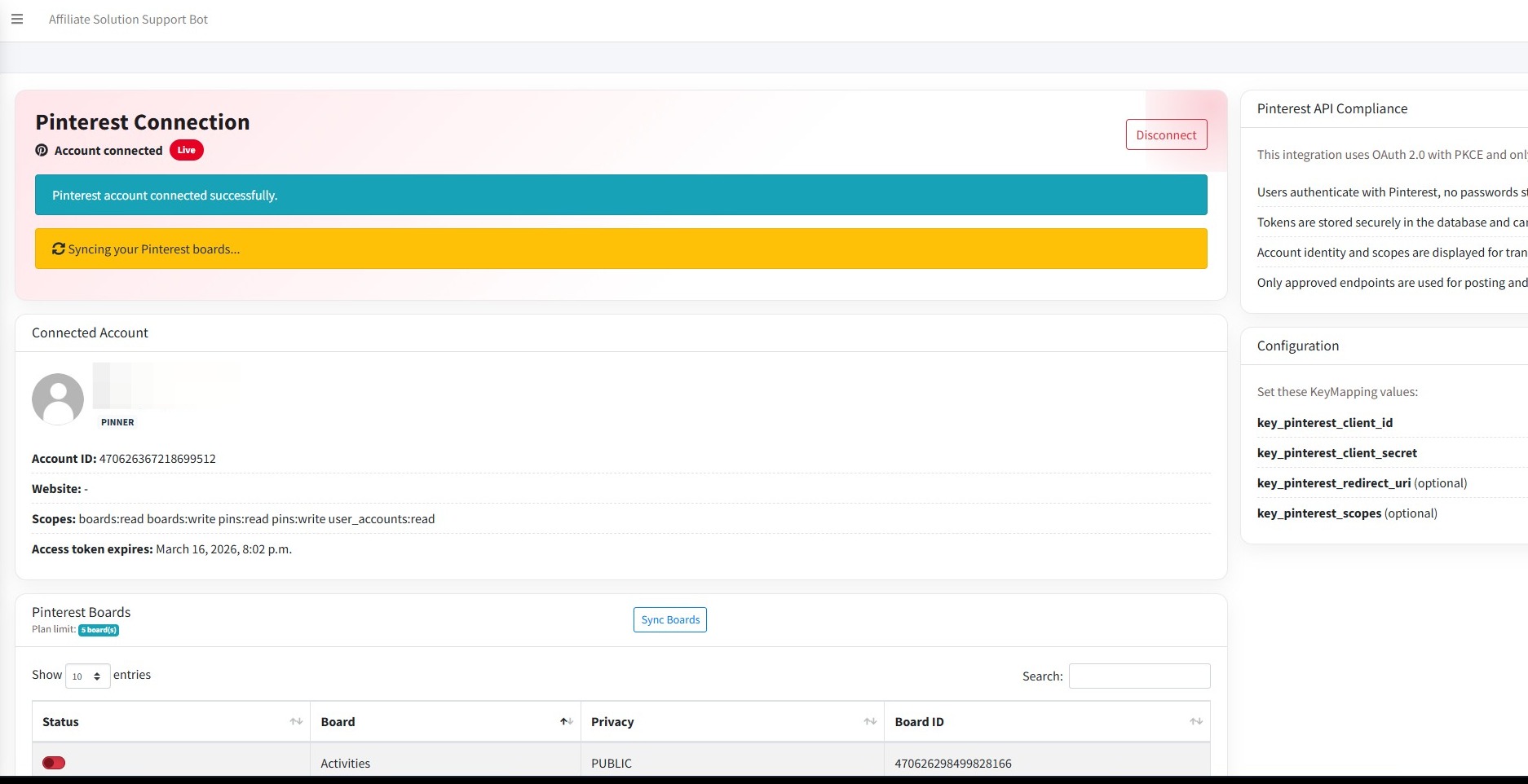
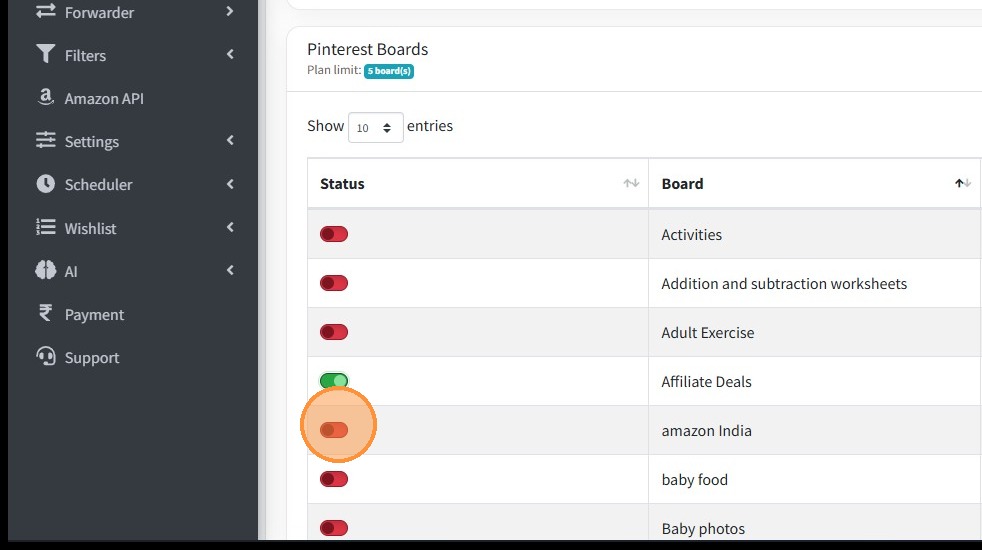
📋 Step 3: Enable Your Boards
- Click "Enable your boards".
🔹 Steps to Enable Auto-Posting
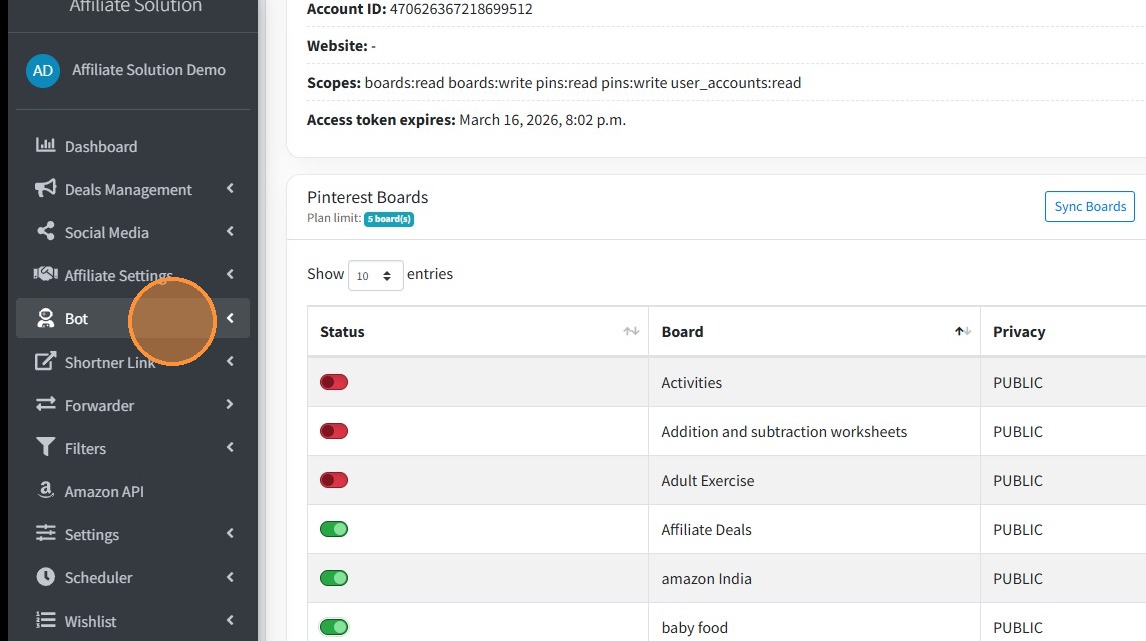
🤖 Step 4: Open Bot Settings
- Click "Bot" from the menu.
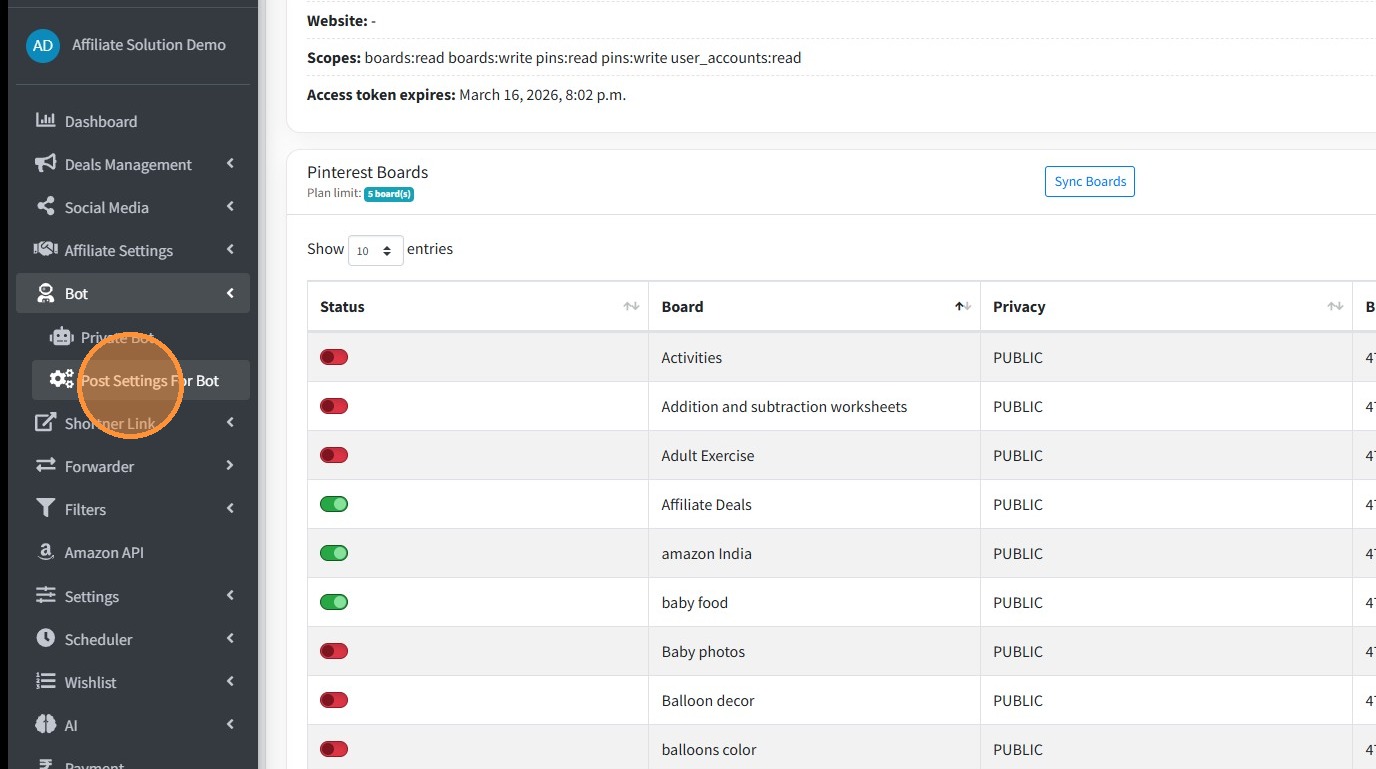
- Click "Post Settings For Bot".
- Enable "Post on Pinterest".
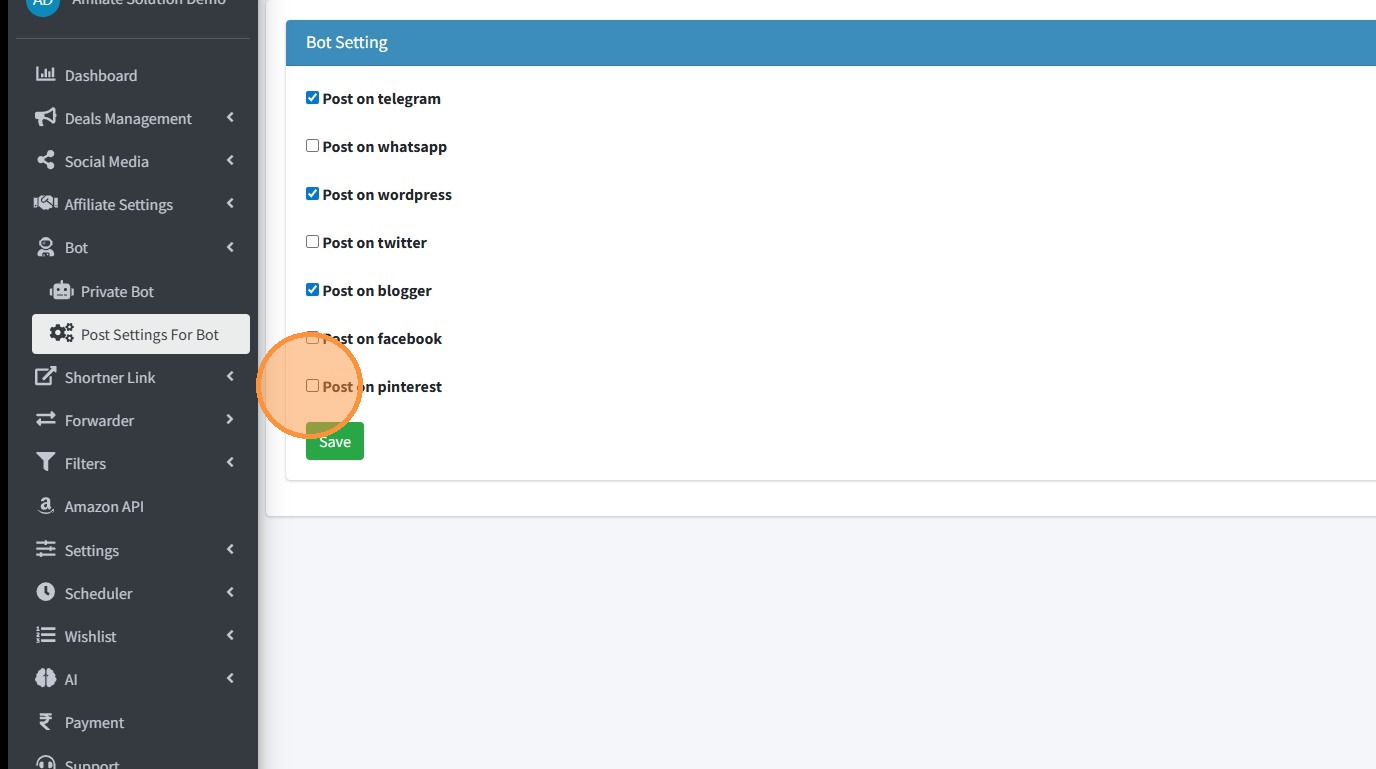
- Click "Save" ✅.
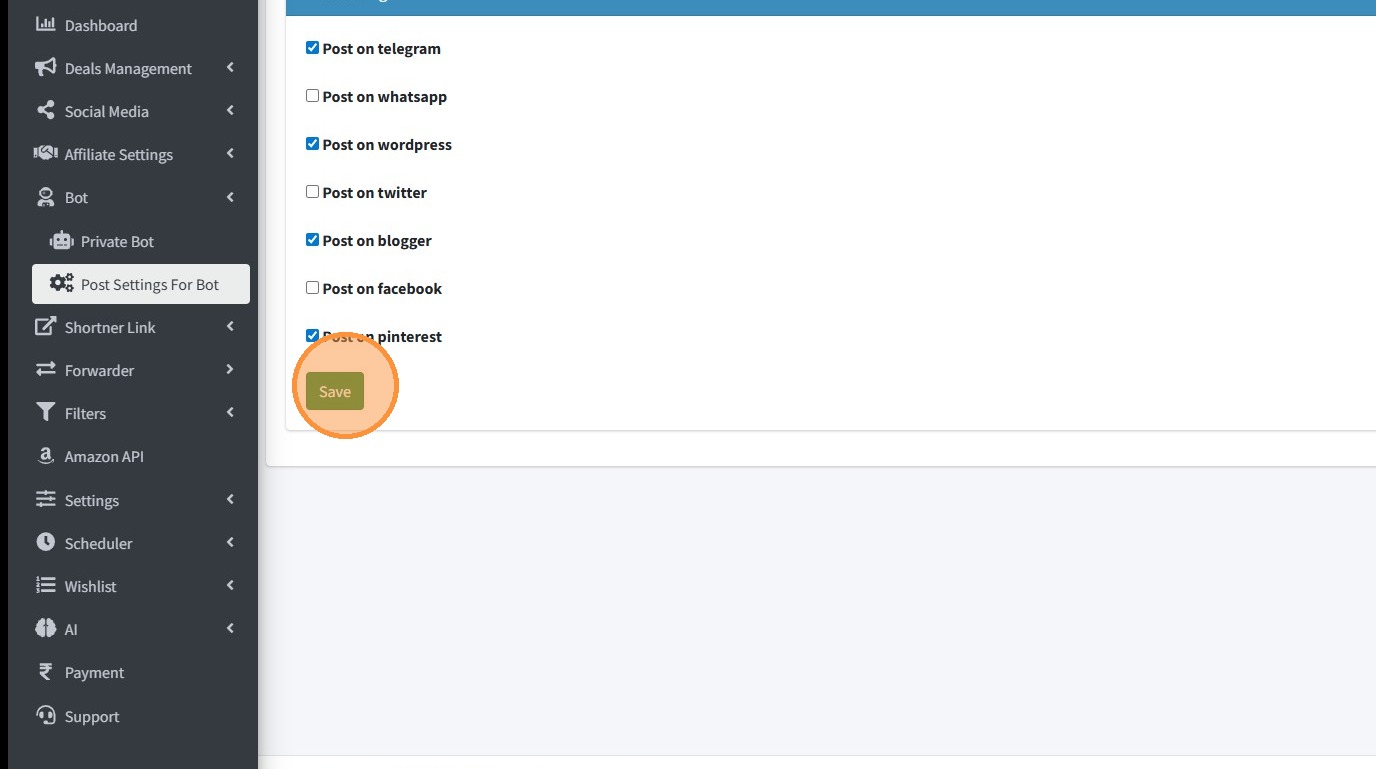
🎯 Next Steps
✅ Your Pinterest auto-posting is now enabled! 🎉
🔄 New deals will be posted to your selected boards automatically. 🔥